
SSO
SAML 2.0 and OIDC single sign-on for enterprise teams
WarpBuild supports single sign-on via SAML 2.0 and OIDC (OpenID Connect), with Okta, Microsoft Entra ID (formerly Azure AD), Google Workspace, Auth0, Microsoft AD FS, OneLogin, PingOne, JumpCloud, Rippling, and any other SAML 2.0 or OIDC-compliant provider.
Setup is self-serve. An organization admin configures everything from Settings → SSO.
What you need
You must be an organization admin, and your organization needs an active subscription. SSO adds $250/month, billed after your first domain is verified.
Setting up SSO
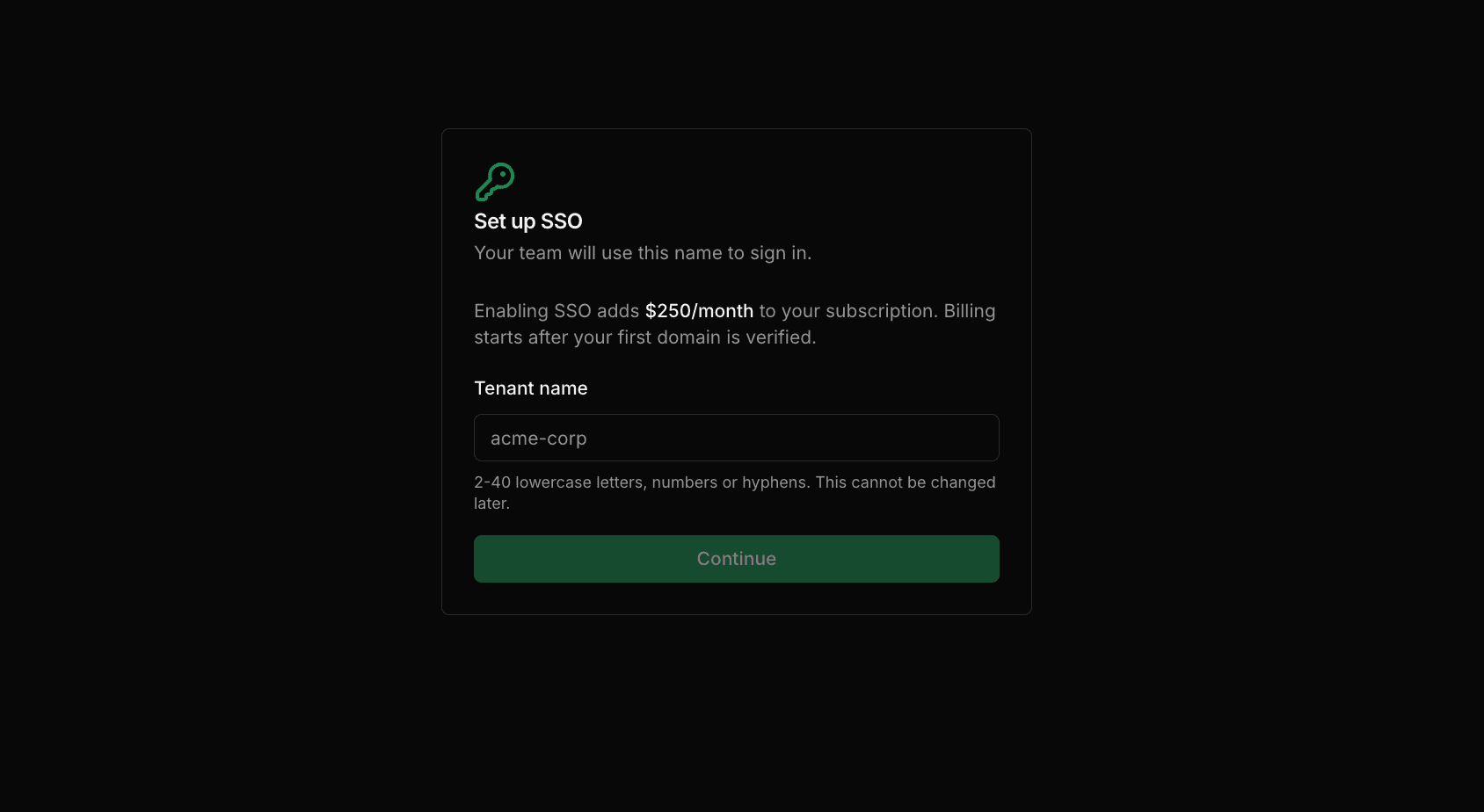
Choose a tenant name
Your tenant name identifies your organization on the WarpBuild login page. Your team enters it each time they sign in, so pick something short and recognizable, like your company name.
It must be 2 to 40 lowercase letters, numbers, or hyphens, and it's permanent once created.
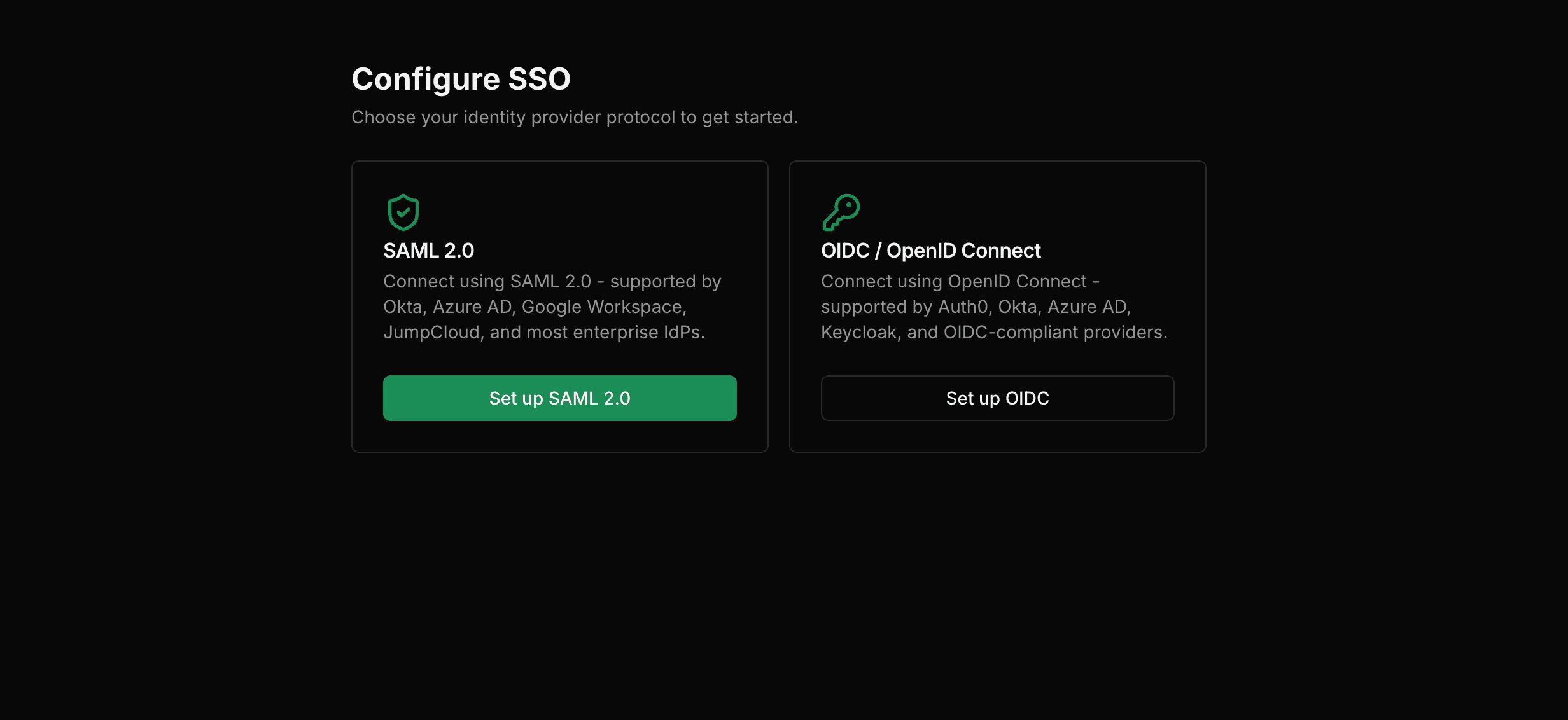
Connect your identity provider
Pick the protocol your identity team already runs. Teams with a SAML application catalog usually stay on SAML; teams that manage everything as OAuth clients usually pick OIDC, which avoids certificate handling entirely.
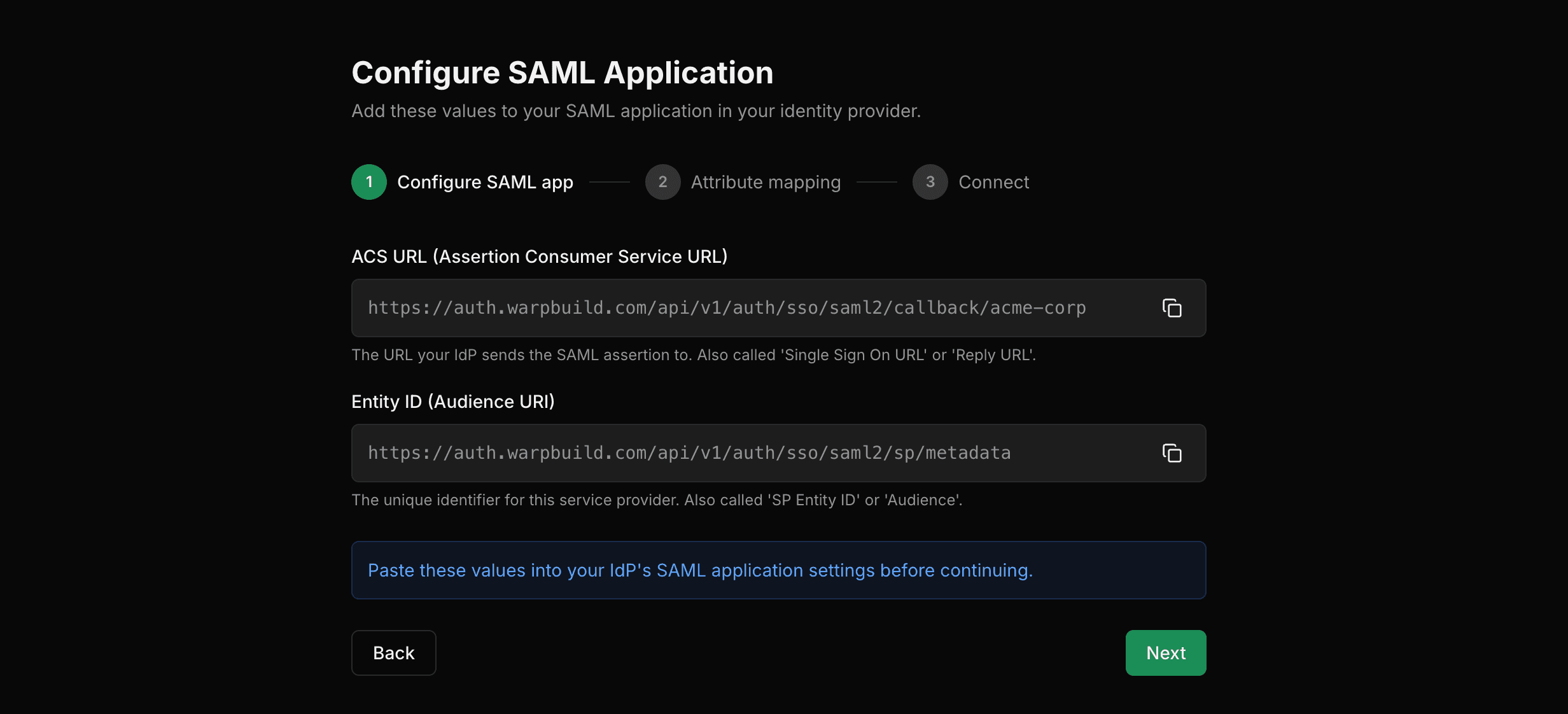
Create a SAML application in your IdP and register the two service-provider values the wizard shows. Each product names them differently:
| Field the wizard shows | Also called |
|---|---|
| ACS URL | Single Sign-On URL, Reply URL |
| Entity ID | SP Entity ID, Audience URI |
Then emit these four assertion attributes. The names are case-sensitive, so an IdP sending
givenname where givenName is expected leaves the field empty:
| SAML attribute | WarpBuild field |
|---|---|
NameID (subject) | id |
email | |
givenName | firstName |
surname | lastName |
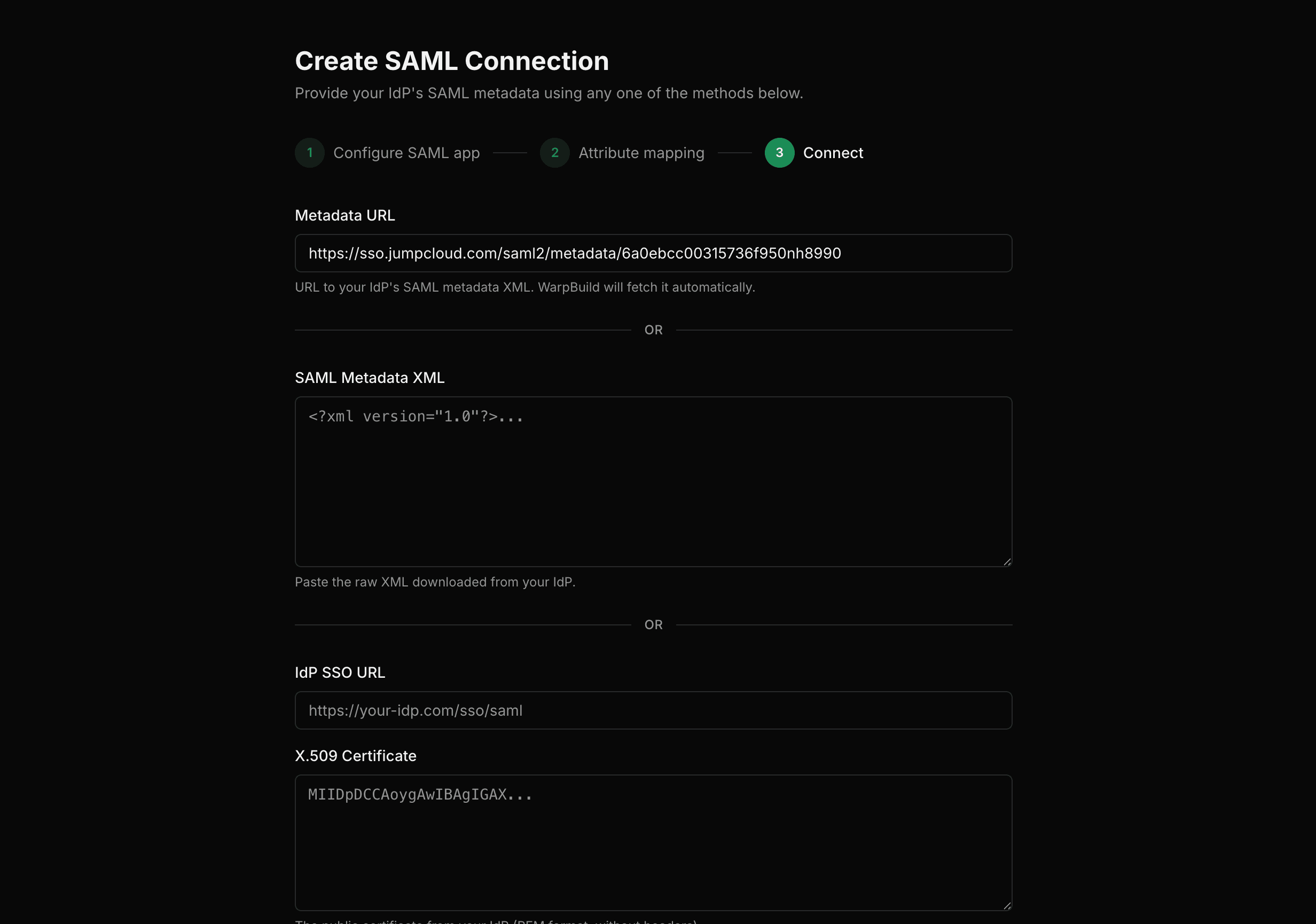
Finally, tell WarpBuild how to reach your IdP:
- Metadata URL - WarpBuild fetches and parses it for you. Prefer this where your IdP offers it, because certificate rotations flow through without a second configuration pass.
- Metadata XML - paste the raw export.
- Manual - enter the IdP SSO URL and X.509 signing certificate by hand.
Verify your domain
Verifying a domain proves your organization controls it, so your team can sign in through SSO without being invited one by one.
Add your domain, then create the TXT record shown at your DNS host:
| Field | Value |
|---|---|
| Type | TXT |
| Name | _warpbuild-sso.yourdomain.com |
| Value | warpbuild-verification=<token> |
Many DNS hosts, including GoDaddy, Namecheap, and Cloudflare, add your domain to the name for
you. On those, enter only _warpbuild-sso as the name, or the record ends up saved as
_warpbuild-sso.yourdomain.com.yourdomain.com and never verifies.
WarpBuild then checks for the record automatically, so you can close the page and come back. DNS usually propagates in minutes, though it can take a few hours. The record stays valid for 7 days, and you can generate a fresh one from the same page if it expires.
Sign-in stays blocked until this passes
SSO sign-in returns an error until at least one domain is verified. This is the step to start early, since DNS propagation is the one part of setup you don't control.
Verifying a domain only proves you own it. It does not check your identity provider connection, so a verified domain sitting next to a misconfigured IdP still fails at sign-in. Confirm the connection in the next step.
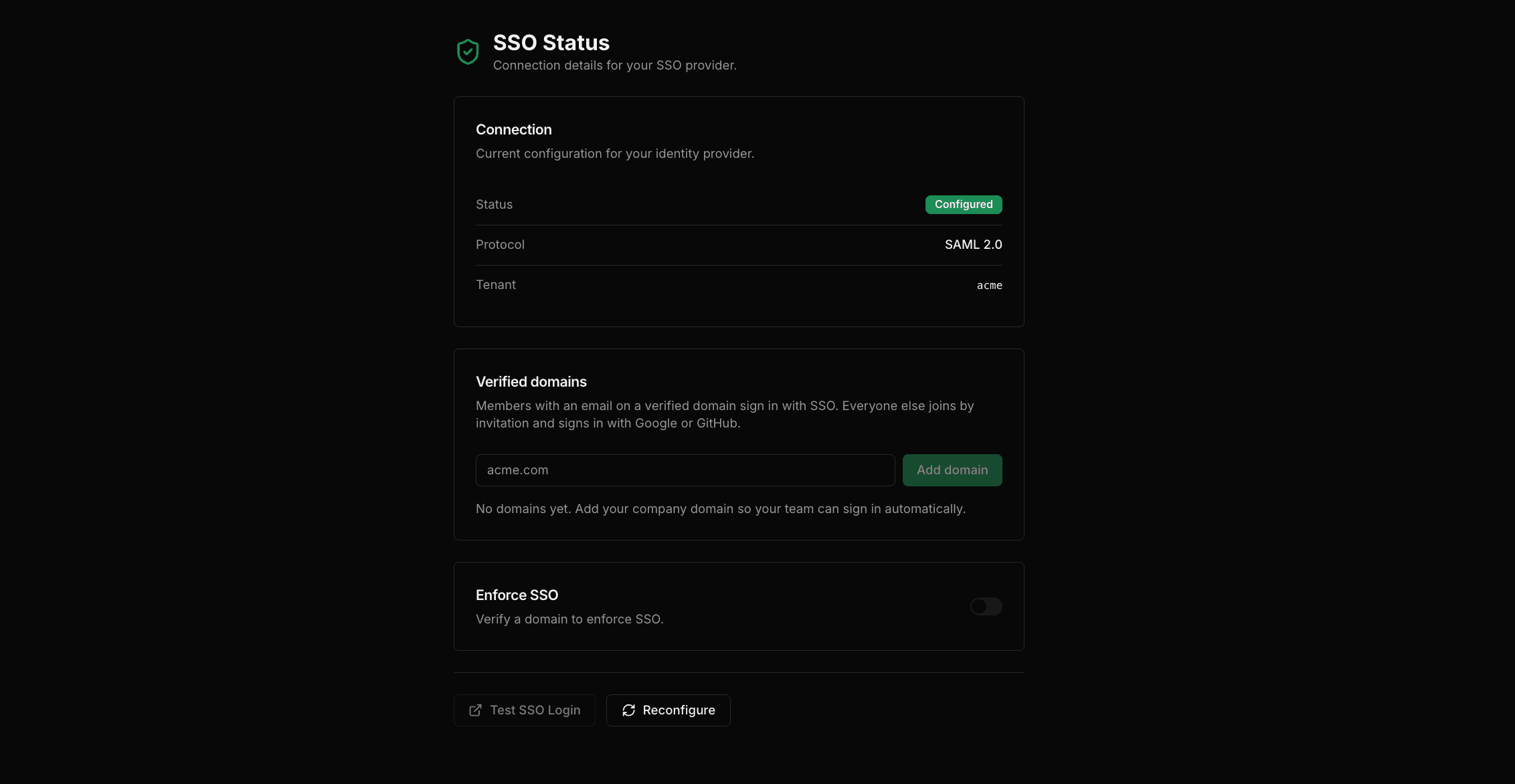
Test, then roll out
Use Test SSO Login on the status page to confirm the connection end to end before telling your team. It opens the login page in a new tab so your current session stays intact.
From then on, your team signs in by entering your tenant name on the WarpBuild login page.
How people get access
On a verified domain. Anyone with an email at that domain signs in through SSO and gets an account automatically, with no invitation. They join as a viewer unless an admin already invited them, in which case they join with the role from that invitation.
Everyone else. Contractors and anyone on a personal email address join by invitation and sign in with Google or GitHub. SSO doesn't cover them, because WarpBuild only extends SSO trust to domains you've proven you own.
If you use SCIM
When SCIM directory sync is configured, it becomes the sole authority for membership and this automatic provisioning is skipped.
Managing domains
Add and verify as many domains as you need, at any time. A newly verified domain covers sign-ins immediately; nothing changes on the identity provider side.
Three rules to know before a rollout:
- Verification is exact-match. Verifying
acme.comdoes not coverhr.acme.com. Add each domain and subdomain separately. - Public email providers can't be verified. Gmail, Outlook, Yahoo, iCloud and similar domains are shared by millions of unrelated people, so verifying one would let any of them into your organization. Teammates on personal addresses join by invitation instead and sign in with Google or GitHub.
- A domain belongs to one organization. If a domain is already verified elsewhere, verification is rejected.
To remove a verified domain, email [email protected].
Enforcing SSO
Enforcement requires every member to sign in through your identity provider.
To enable it, you must first be signed in through SSO yourself. This proves the connection works before the organization is locked to it, so a misconfigured IdP can't lock everyone out.
When you enforce:
- every member currently signed in to the organization is signed out, including you on other devices, and signs back in through SSO;
- members working in other organizations keep those sessions, but can only switch back into this one through SSO;
- only people whose email is on a verified domain can get in. Anyone on a personal address, such as a contractor using Gmail, loses access unless they have already signed in through SSO before. Check the domains card covers your whole team before you enforce.
Changing your identity provider
You can reconfigure the connection at any time from Reconfigure on the status page, for example when rotating a certificate or moving to a new IdP.
Saving does two things automatically:
- Enforcement turns off. A broken configuration on an enforced organization would lock the whole team out, so enforcement pauses automatically. Your organization is no longer enforcing SSO until you turn it back on, which means members can sign in with Google or GitHub again in the meantime. Test the new connection, then re-enable enforcement from the same page.
- Existing SSO links are cleared when the connection's identity changes, such as switching protocol or pointing at a different IdP. Members sign in through the new connection on their next visit.
Troubleshooting
| What you see | What it means |
|---|---|
TXT record not found at _warpbuild-sso... | The record hasn't propagated yet, or the name got doubled by a DNS host that appends your domain. Check the saved record and enter only _warpbuild-sso if it reads _warpbuild-sso.acme.com.acme.com. |
| The record expired before it verified | Tokens are valid for 7 days. Generate a new record from the domains card and replace the old TXT value. |
<domain> is already verified by another organization | Another organization has proven ownership of that domain. Email support if you believe it's a mistake. |
<domain> is a public email provider and can't be verified | Public mailbox domains can't be verified. Invite those teammates instead; they sign in with Google or GitHub. |
| "We couldn't sign you in because your email isn't verified for this organization" | The person's email domain isn't verified for your tenant. Invite them, or verify the domain that covers them. |
| "This organization requires SSO" | SSO is enforced, and the session was created another way. Sign in through your tenant on the login page. |
| Enforcement won't turn on | You're not signed in through SSO yet. Sign in through your tenant once, then enable enforcement. |
Last updated on