
Common Issues
Common issues and troubleshooting for WarpBuild runners
Overview
Refer to this page if your runners aren't picking up jobs, after you onboarded.
Bot permissions
Check if the WarpBuild bot has access to the repo. Navigate to WarpBuild Account > Click on 'Configure Runners' for the GitHub connection. And check the list of repositories.
Runner group checks
Default runner group
- If you are using a public repo, please validate that you have enabled WarpBuild on your public repos.
Non-default runner group
If you are using a non-default runner group, which can be validated by going to WarpBuild > Runners > Default GitHub Runner Group.
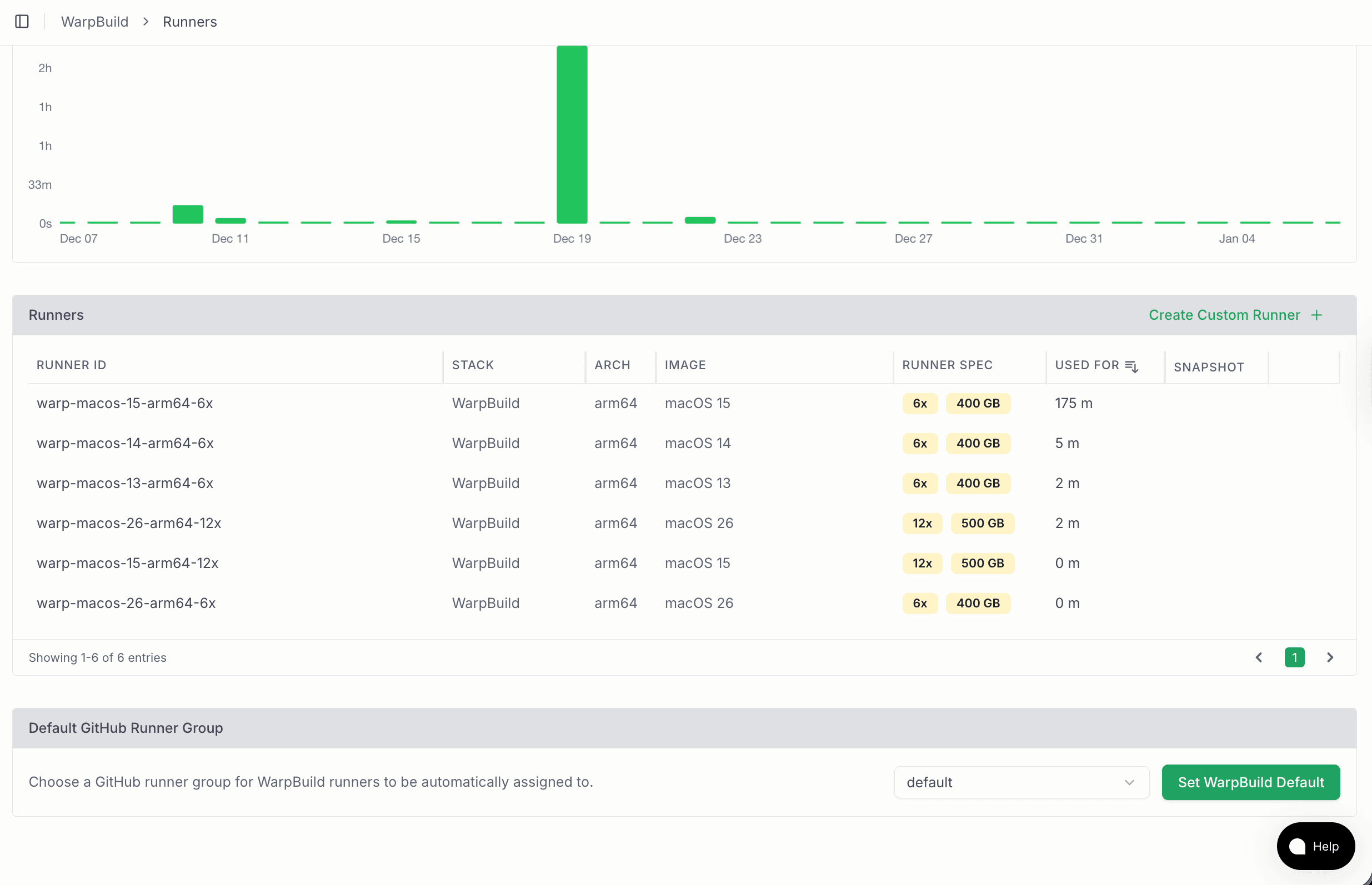
- Check if this runner group has access to the repo. Navigate to Github > Organization Settings > Actions > Runner Groups > Click on the runner group which is selected on WarpBuild.
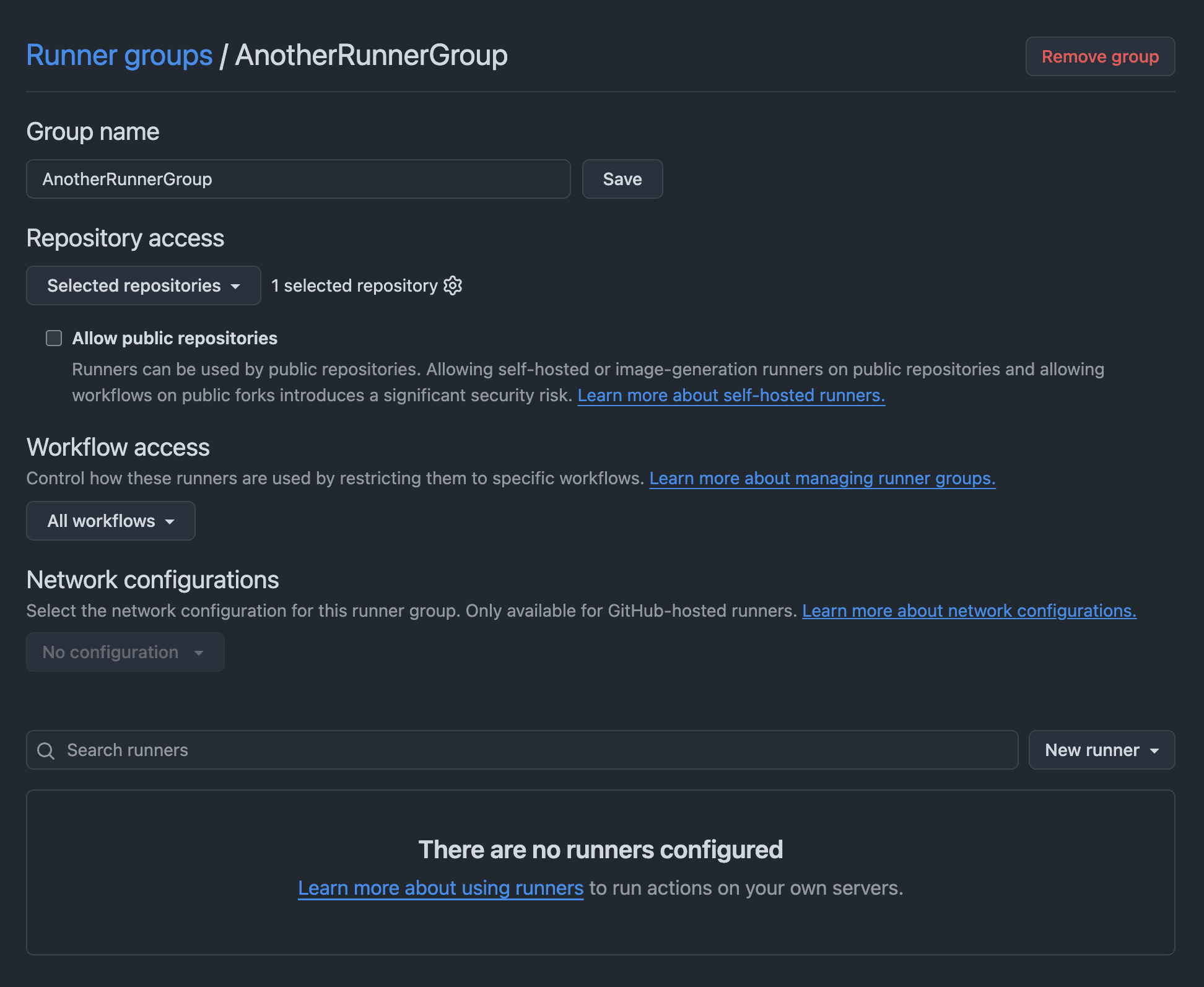
- Check if there are workflow restrictions. GitHub supports restricting workflows
based on workflow path, sha, branch and tags. For example,
monalisa/octocat/.github/workflows/cd.yaml@refs/heads/mainonly picks jobs of cd.yaml on main.
Android instrumentation tests are slow or don't work
If an Android CI job using reactivecircus/android-emulator-runner is taking much longer than usual, the emulator has likely fallen back to software emulation because it couldn't access /dev/kvm. Add this step before the emulator step:
- name: Enable KVM group perms
  run: |
    echo 'KERNEL=="kvm", GROUP="kvm", MODE="0666", OPTIONS+="static_node=kvm"' \
      | sudo tee /etc/udev/rules.d/99-kvm4all.rules
    sudo udevadm control --reload-rules
    sudo udevadm trigger --name-match=kvm
This is required in all GitHub compatible runners. Learn more.
Running Dependabot

This setup will run all your Dependabot workflows on WarpBuild custom runners.
For security reasons, when running Dependabot on GitHub Actions self-hosted runners, Dependabot updates will not be run on public repositories. Learn More.
Last updated on